La LCO fue actualizada por última vez el 16/sep./2026
Chapter contents
System main screen
Several areas are identified on this screen. In the top-left section, tabs displaying the application's options or menus (main panel) are shown.
The name of the user currently using the application and the application's configuration options appear in the top right corner of the screen.
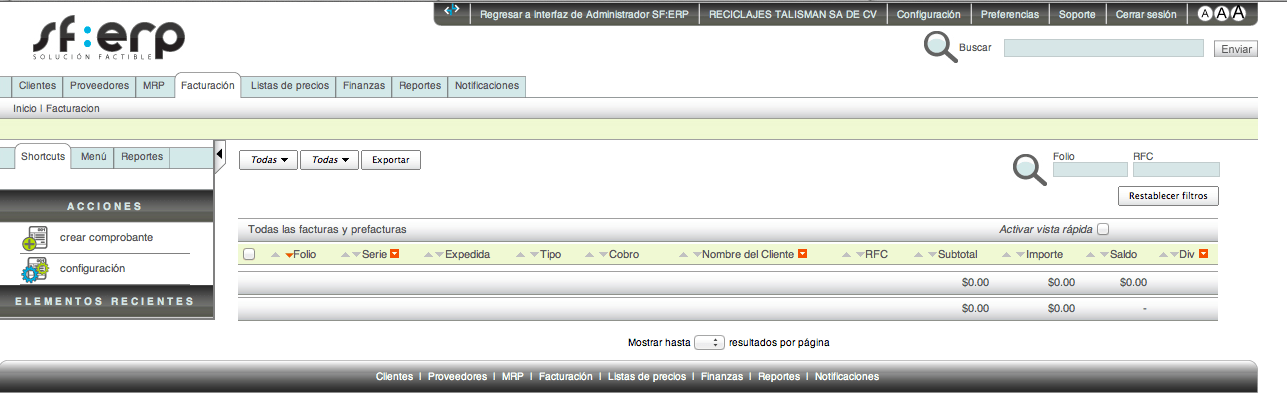
Below is the application's search bar.

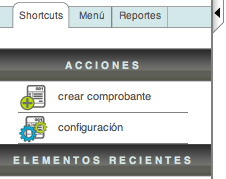
On the left side, below the main panel, you will find the application's quick access options (Shortcuts). This menu named “Acciones” and is a context menu; this means that its options will change dependind on the module you are currently in.
Below the "Actions" menu is quick access to the "ELEMENTOS RECIENTES" that were viewed.