Cancel an electronic invoice
Cancel an e-document
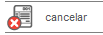
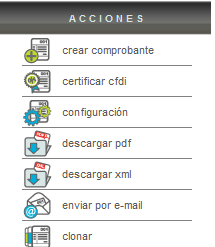
Canceling an e-document can be done directly on the SAT (Mexican Tax Administration Service) website through your taxpayer portal. You can also easily and quickly do this through the Solución Factible® app. Simply select the receipt and click the "Cancelar" button located in the "Actions" menu.
It's worth noting that there is no time limit for canceling a receipt, so you can cancel e-documents from previous months.
The system will allow you to specify a "motivo de cancelación" to better track your cancellations. You can also leave this field blank.
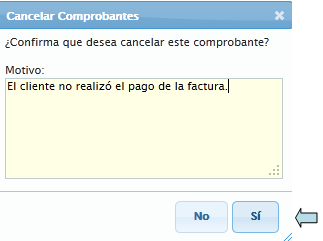
It is very important to verify that the receipt you wish to cancel is indeed the correct one, as it is not possible to return it to "Activo" status once it has been canceled.
After cancellation, you will see a line through the e-document, giving the appearance of a crossed-out section. This will allow you to quickly identify the e-documents that have been canceled.

Likewise, within your invoice summary you will be able to find relevant information about the cancellation of said e-document.
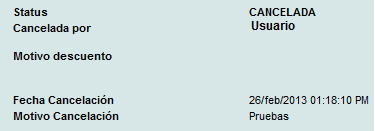
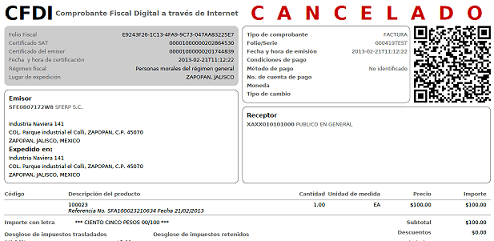
You will also notice that within the "Actions" menu you will no longer see the cancellation button and your PDF will have the word "Cancelado" or cancel printed on it.