
Vendors Module
To begin issuing electronic invoices, it is essential to first register the suppliers (producers).
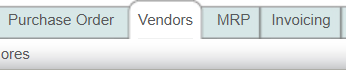
To perform this action, go to the “Vendors” module.
Create Vendor

Go to the “Actions” menu and click on the “Create vendor” option; it is important to have your supplier's information available for registration, and fields marked with an asterisk are mandatory.
Block 1: Vendor information.
Enter the vendor's RFC and name; the remaining data requested in this block is for informational purposes only and helps you maintain more detailed records, but it does not appear on your electronic invoice.

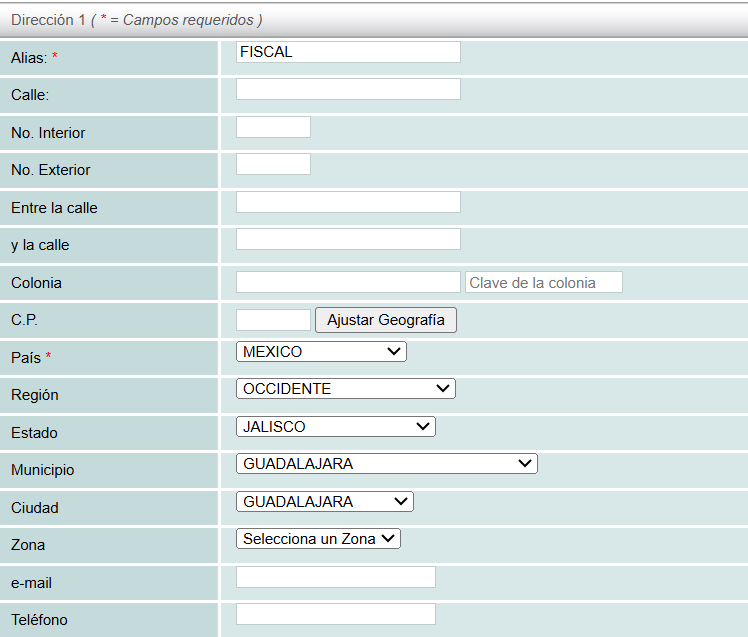
Block 2: dirección.
Enter your supplier's address; if you do not have it, you may enter your company's address.
Editar Proveedor
To edit or add information for a previously registered supplier, first select them to display their summary on your screen. Then click on the "Edit" option located in the "Actions" menu.
Borrar Proveedor
The system also allows you to delete previously registered suppliers; within the “Actions” menu you will find the “Delete” button to perform this action.
Clonar Proveedor

The cloning option allows you to make copies of previously registered suppliers. When registering suppliers that share state, city, etc., this functionality is very helpful.
